
Slurpee Design System
The Slurpee Design system took what started as a single app solution, and evolved into a comprehensive framework that empowers all of 7-Eleven's product development.
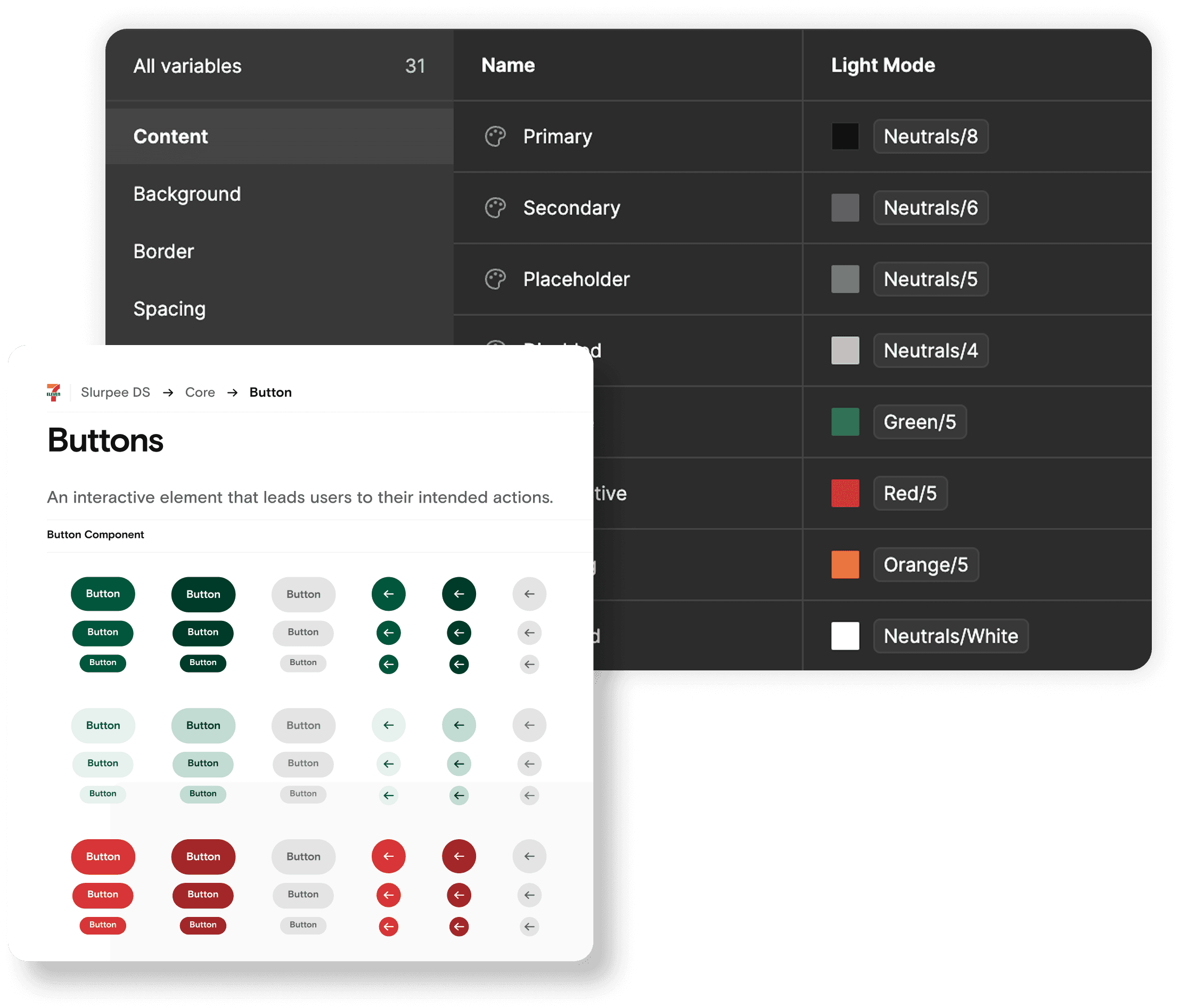
As the sole designer responsible for building, maintaining, documenting, and expanding the system, I navigated the challenges of supporting the flagship 7-Eleven app with limited resources. Despite these constraints, the system proved effective enough to demonstrate the value of structured design practices.
This foundation was established before Figma had introduced crucial features like properties and variables, requiring the creation of numerous component variants to accommodate different states and configurations—a painstaking but necessary approach given the technology limitations of the time.
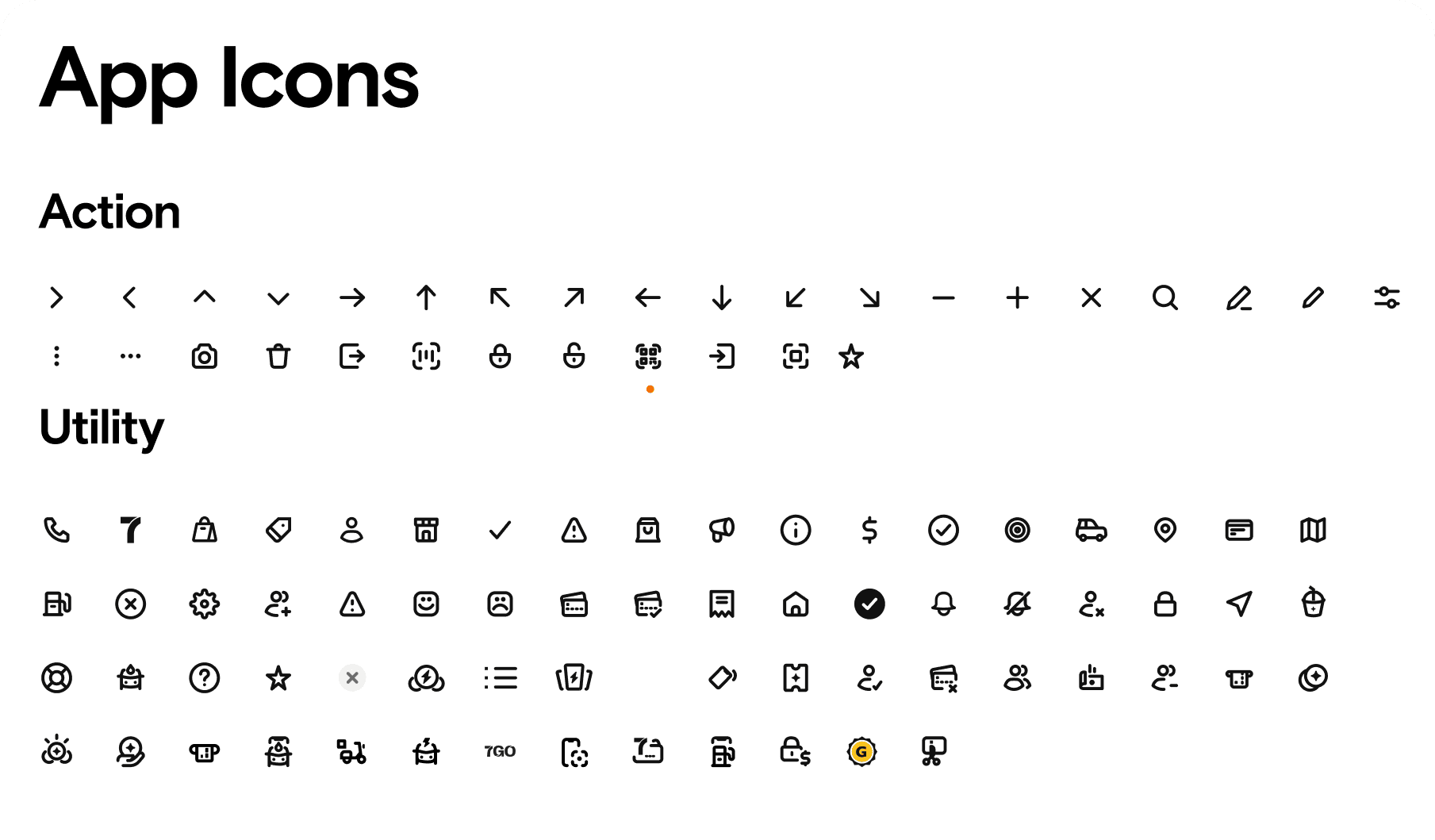
It was originally built for a single consumer app, but when we tried to scale it across our other digital products, we began to see the gaps in the design system. This led to inconsistent user experiences, duplicated development efforts, and significant maintenance challenges as each application team created their own solutions rather than building on a shared foundation. As a result, both our development velocity and brand consistency began to suffer across platforms.
The core problem with our previous design system was it was its siloed approach.
It was originally built for a single consumer app, but when we tried to scale it across our other digital products, we began to see the gaps in the design system. This led to inconsistent user experiences, duplicated development efforts, and significant maintenance challenges as each application team created their own solutions rather than building on a shared foundation. As a result, both our development velocity and brand consistency began to suffer across platforms.
To build a better design system, we needed to go beyond assumptions
We started with solid assumptions of the current design system's strengths, and weaknesses but we recognized that to deepen our insights, surveys, interviews, and a thorough audit were needed to help us confirm specific areas for improvement that would make the design system truly serve the entire organization
This review revealed three common issues:
Components weren’t usable across all applications
Overly complex components led to library detaches and inconsistencies
Some figma components were unused and were creating library bloat
Bespoke components were built where system components could be used
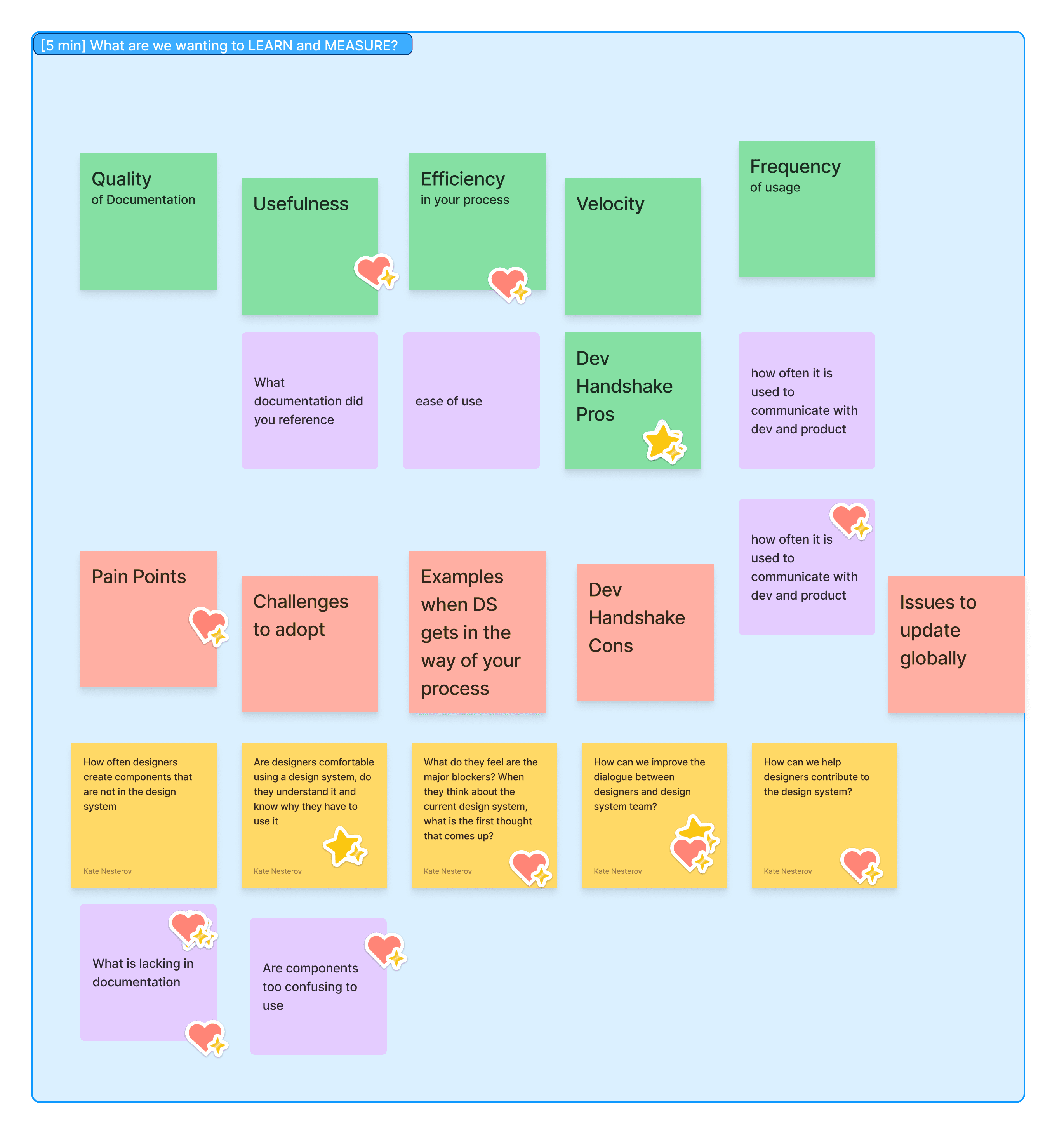
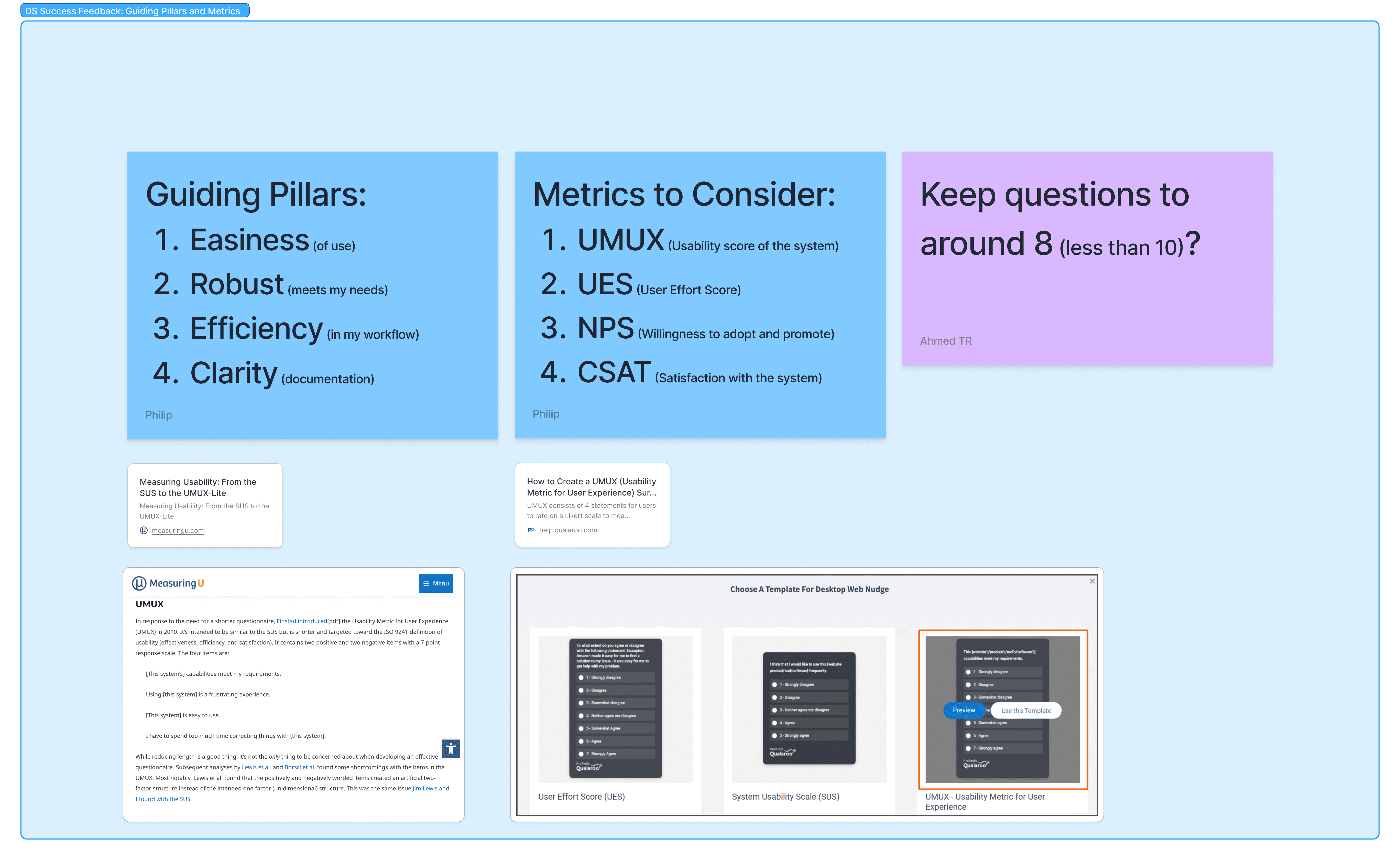
This confirmed it was time to develop a fresh strategy that would unify our digital ecosystem. We needed an approach that could bridge the gap between consumer and enterprise applications while creating a simpler, more cohesive foundation—one built to scale alongside our organization's evolving needs.
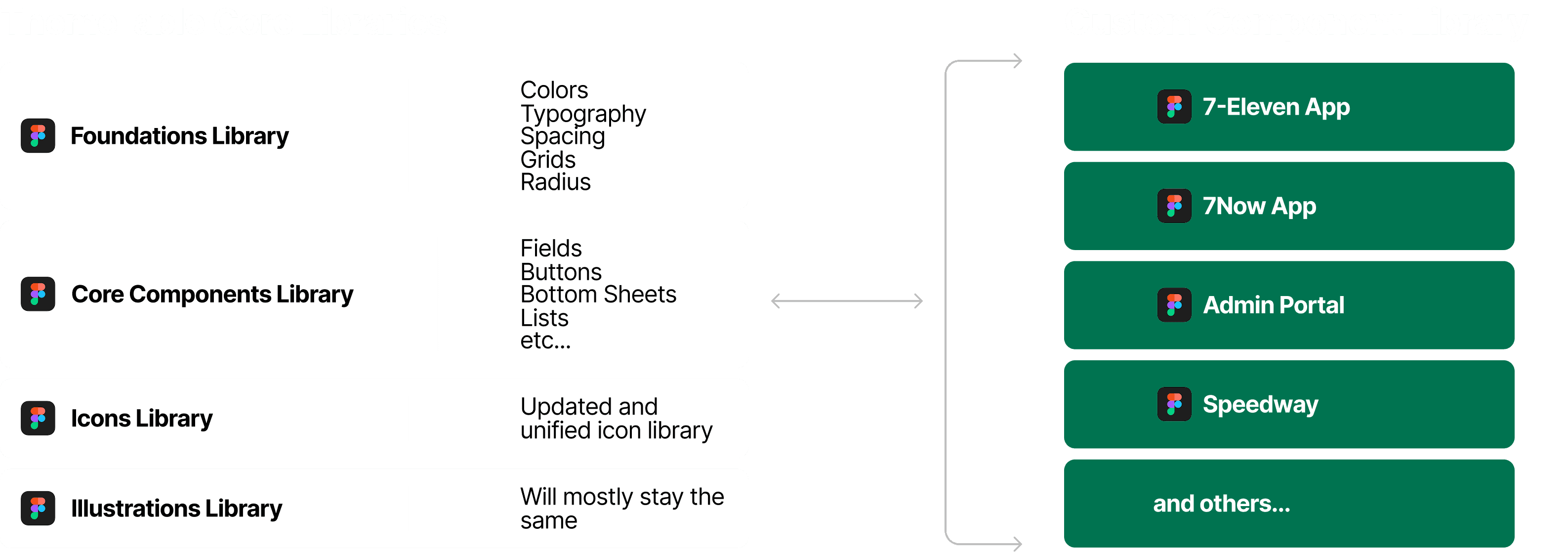
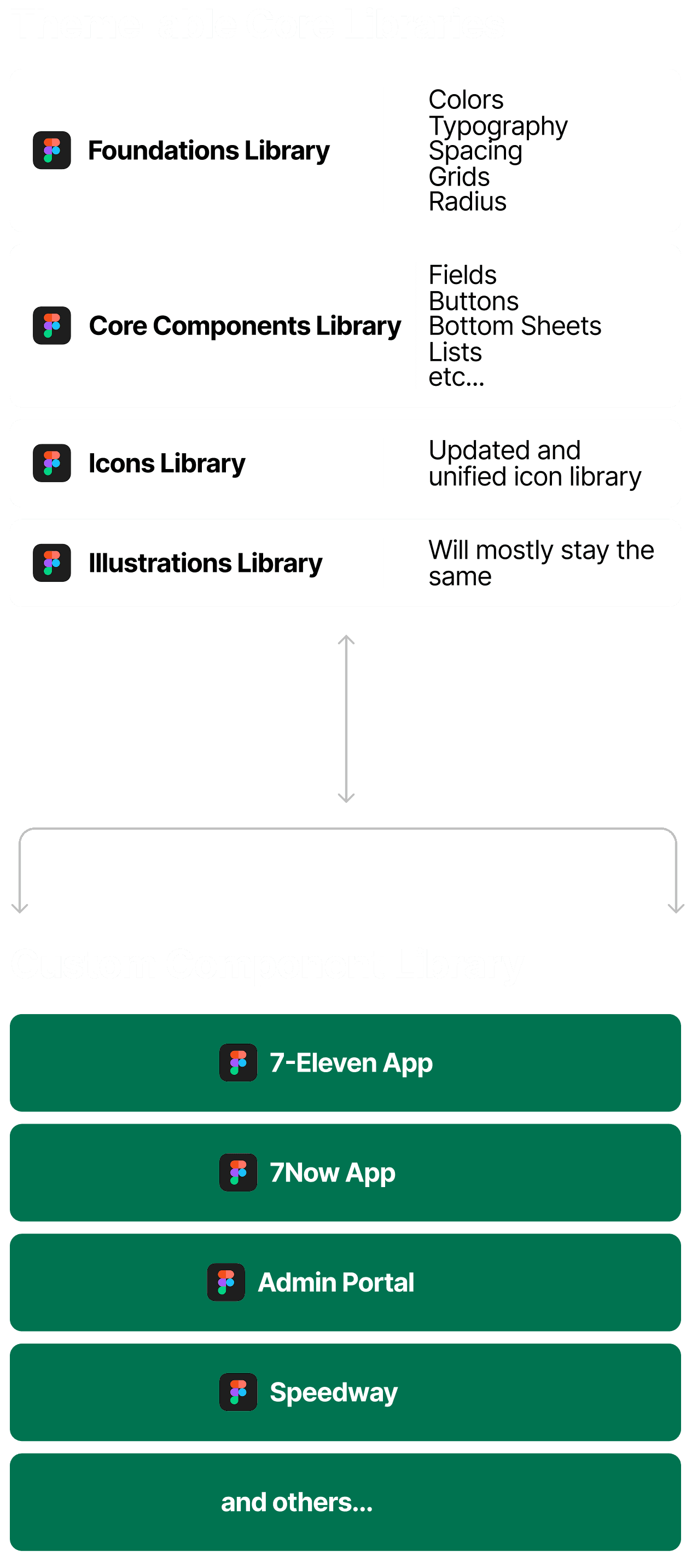
Designers would need to learn new skills so they could take ownership of their specific app libraries.
This approach meant we needed to have a clear process for adding new components.

Submit Request
Designers formally submit change request

Design Component
If accepted, design team designs component

Quality Check
Component is checked for proper construction and accessibility

Publish Component
Component is documented to respective library
The Slurpee Design System has proven to be a transformative force across 7-Eleven's digital ecosystem, with adoption exceeding our initial expectations.
The success of the system is evident in both new development and legacy application migration.
One of our most significant achievements was the Speedway app, built entirely from scratch using our new theming capabilities and component library. This project demonstrated the design system's flexibility and efficiency, allowing the team to launch a polished product in a tight deadline while maintaining visual and functional consistency with our core brand.
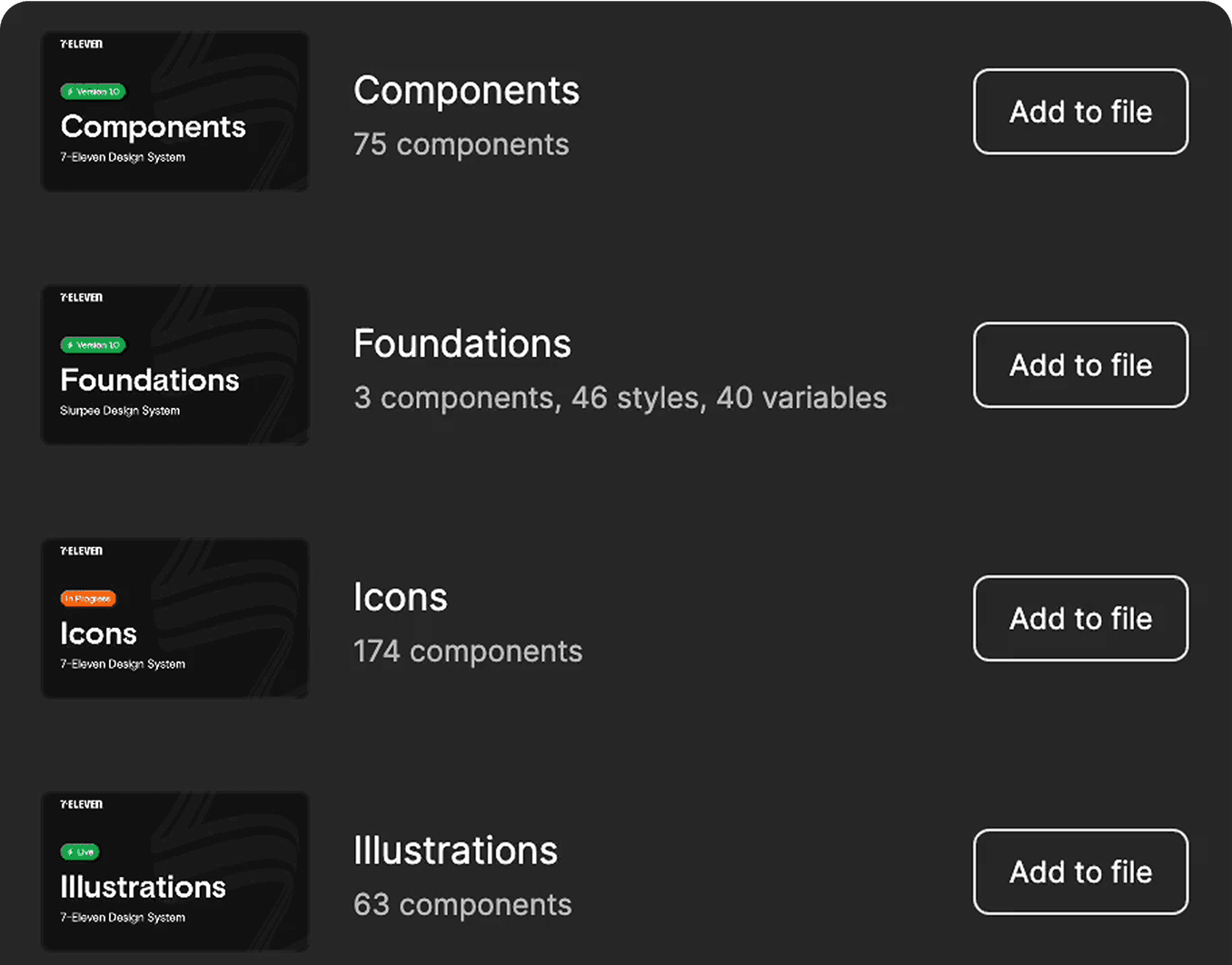
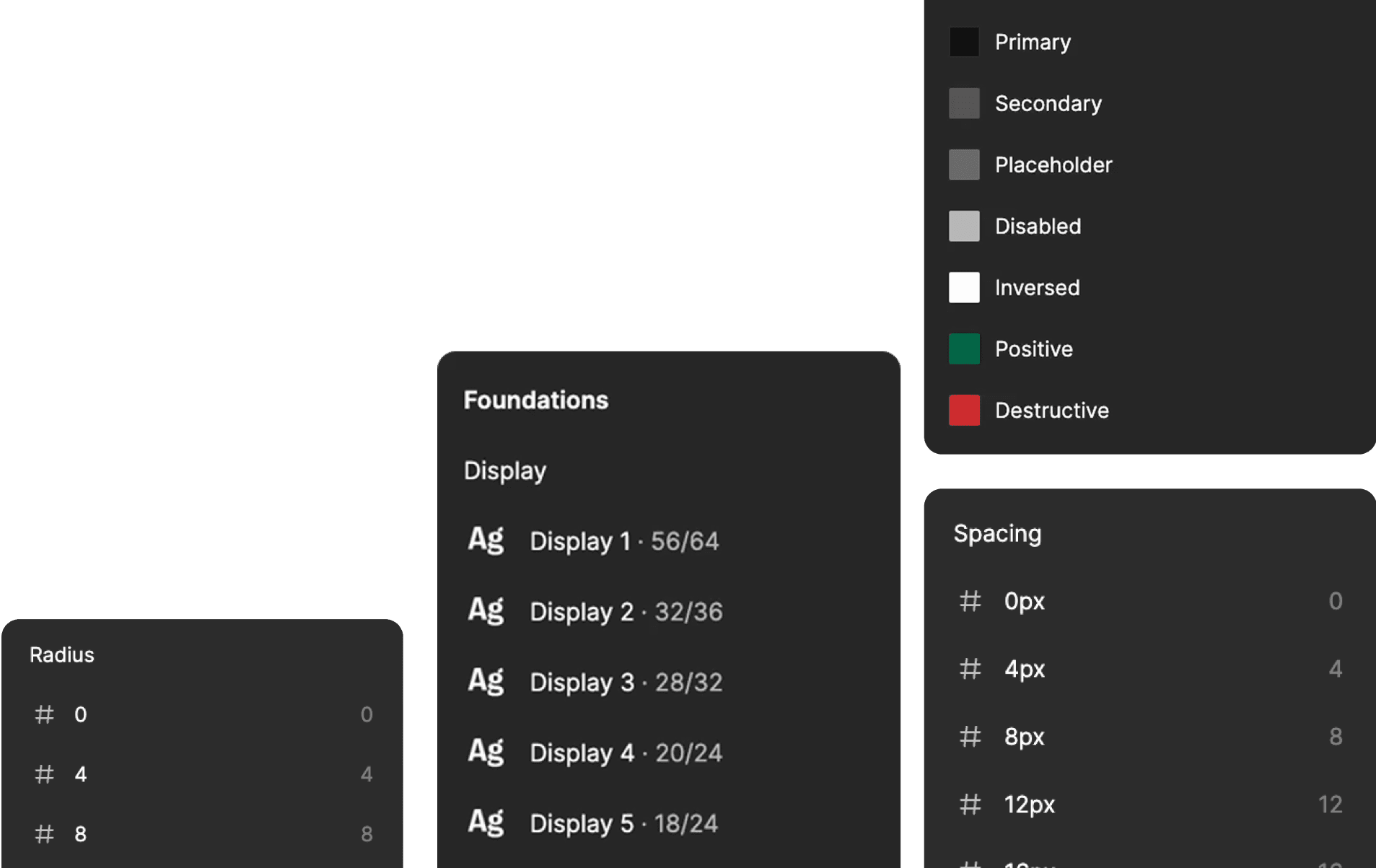
Equally important has been the steady transition of existing enterprise products to the new library. What began as skeptical experimentation quickly gained momentum as teams experienced firsthand that our library now addressed different plaforms, and also allowed for indivdual contribution and allowing . Today, the majority of our enterprise applications have either fully migrated or are in the process of adopting the Slurpee Design System.
The simplification of components has been a key driver of this widespread adoption. By reducing complexity and focusing on intuitive patterns, we've seen significantly better adherence to design standards across teams. This improved consistency has not only enhanced the user experience but has also streamlined development processes, reducing time-to-market for new features and applications.
As we look to the future, the Slurpee Design System stands as a testament to how thoughtful design infrastructure can unite consumer and enterprise experiences under one cohesive brand while still addressing the unique needs of each audience. What began as an evolution of a single app's design language has become the foundation for 7-Eleven's entire digital presence, enabling faster innovation and a more consistent experience for all users.RetryP